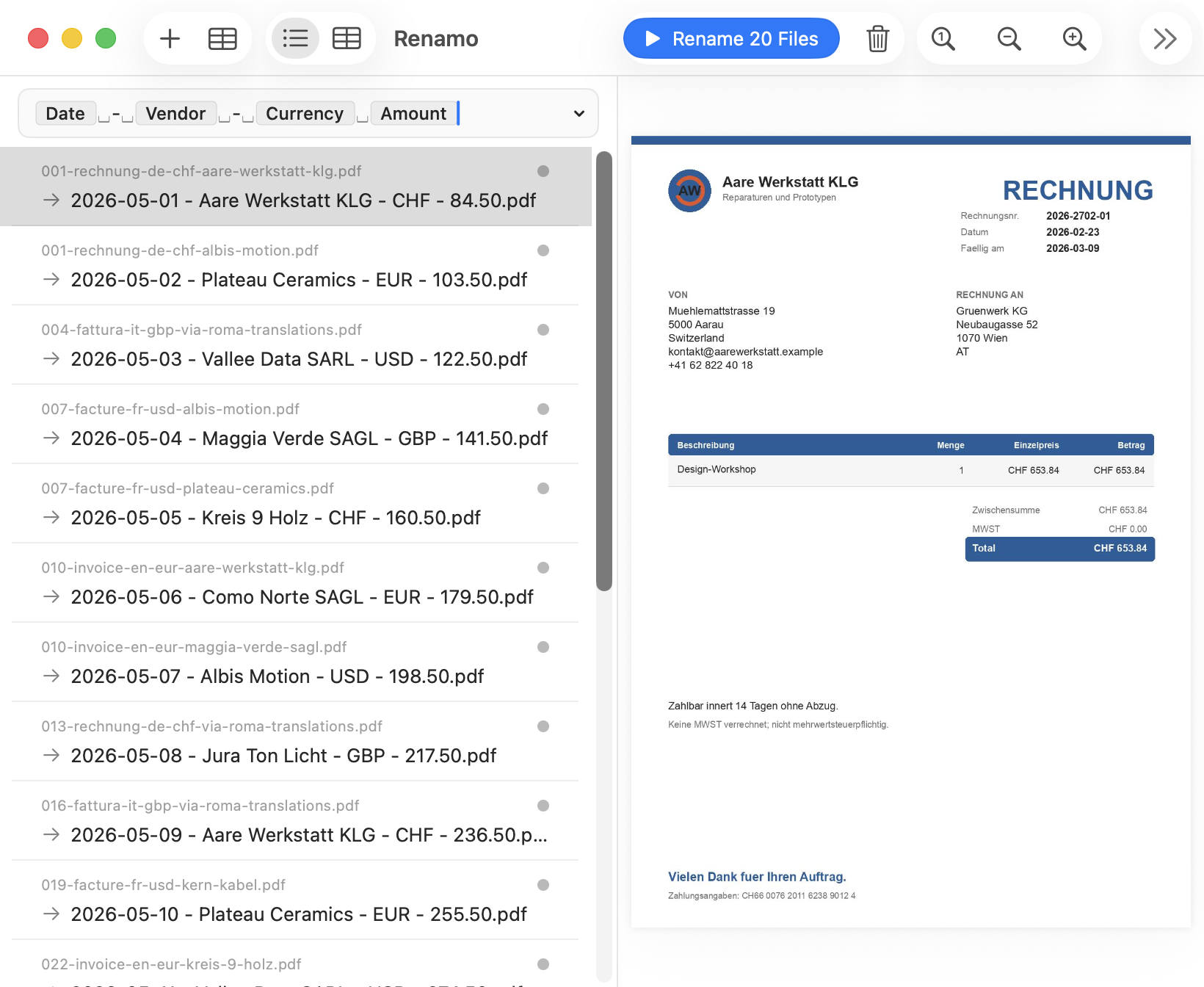
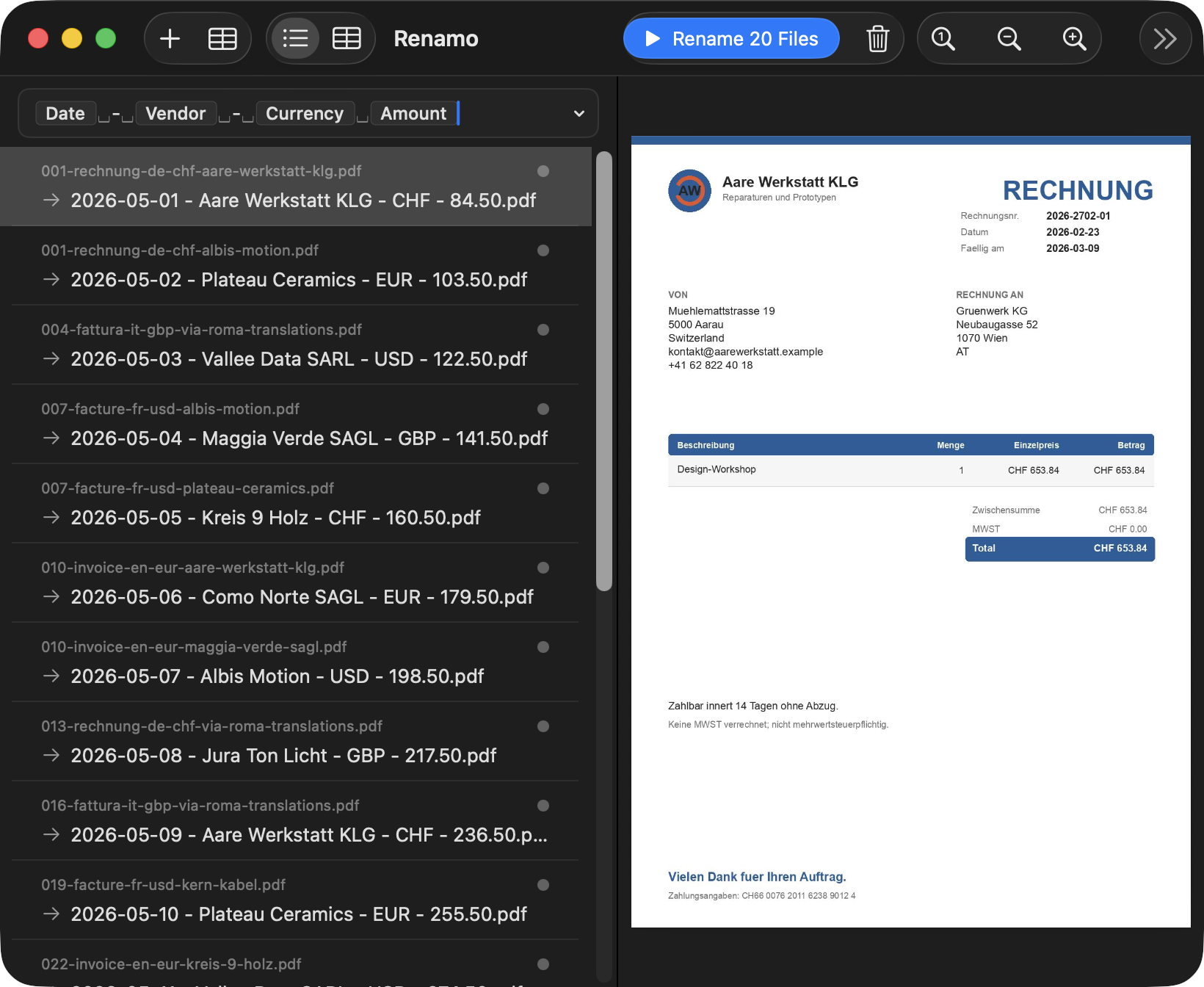
The old way
Scanned 93_260921_93.pdf
- Meaningless scanner names pile up.
- You open receipts one by one.
- Typos and inconsistent names slip in.
 Renamo
Automatically rename PDFs, scans, and receipts based on what's actually inside them.
No account, no creditcard needed
Before and after
The old way
The new way
Safety first
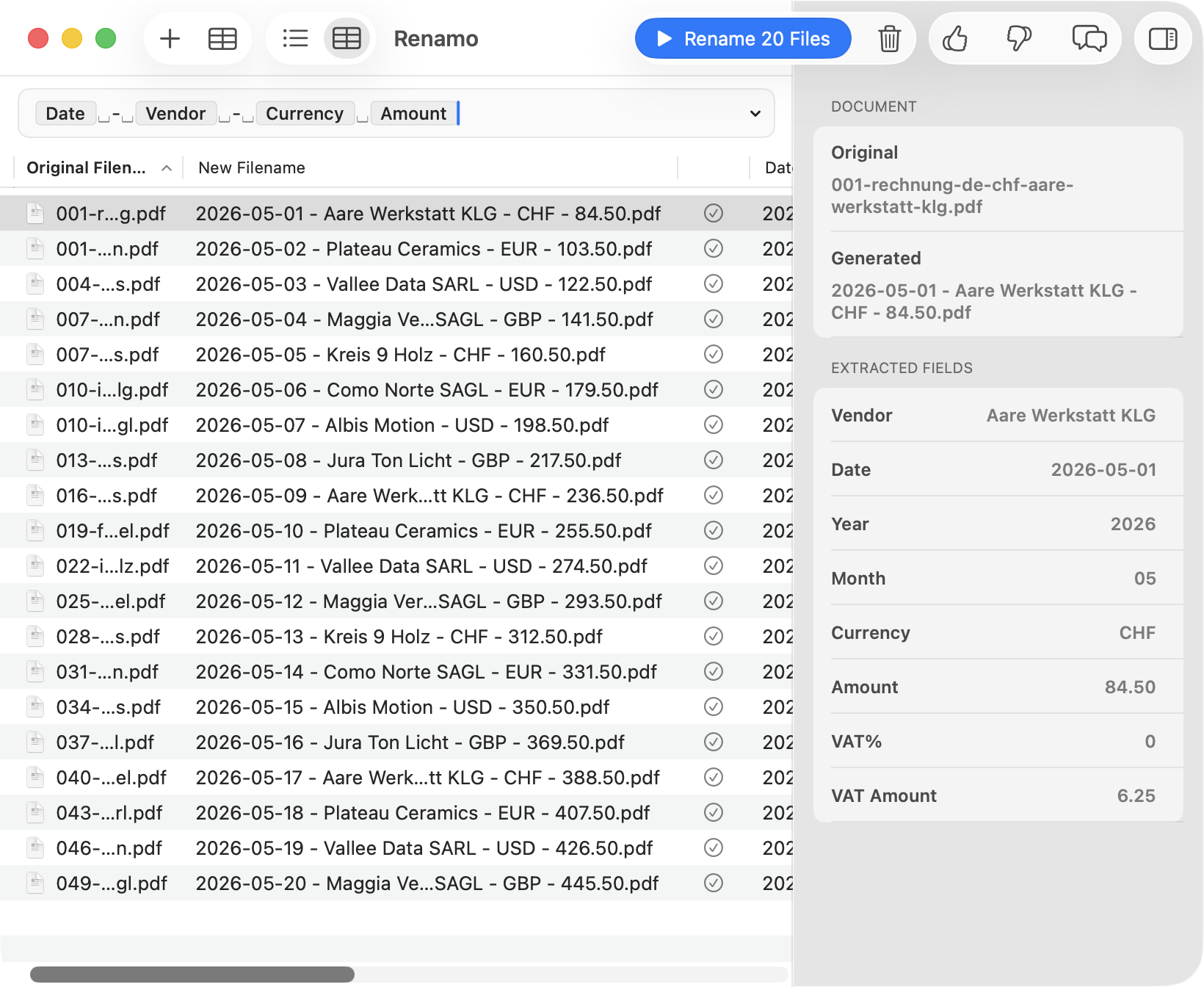
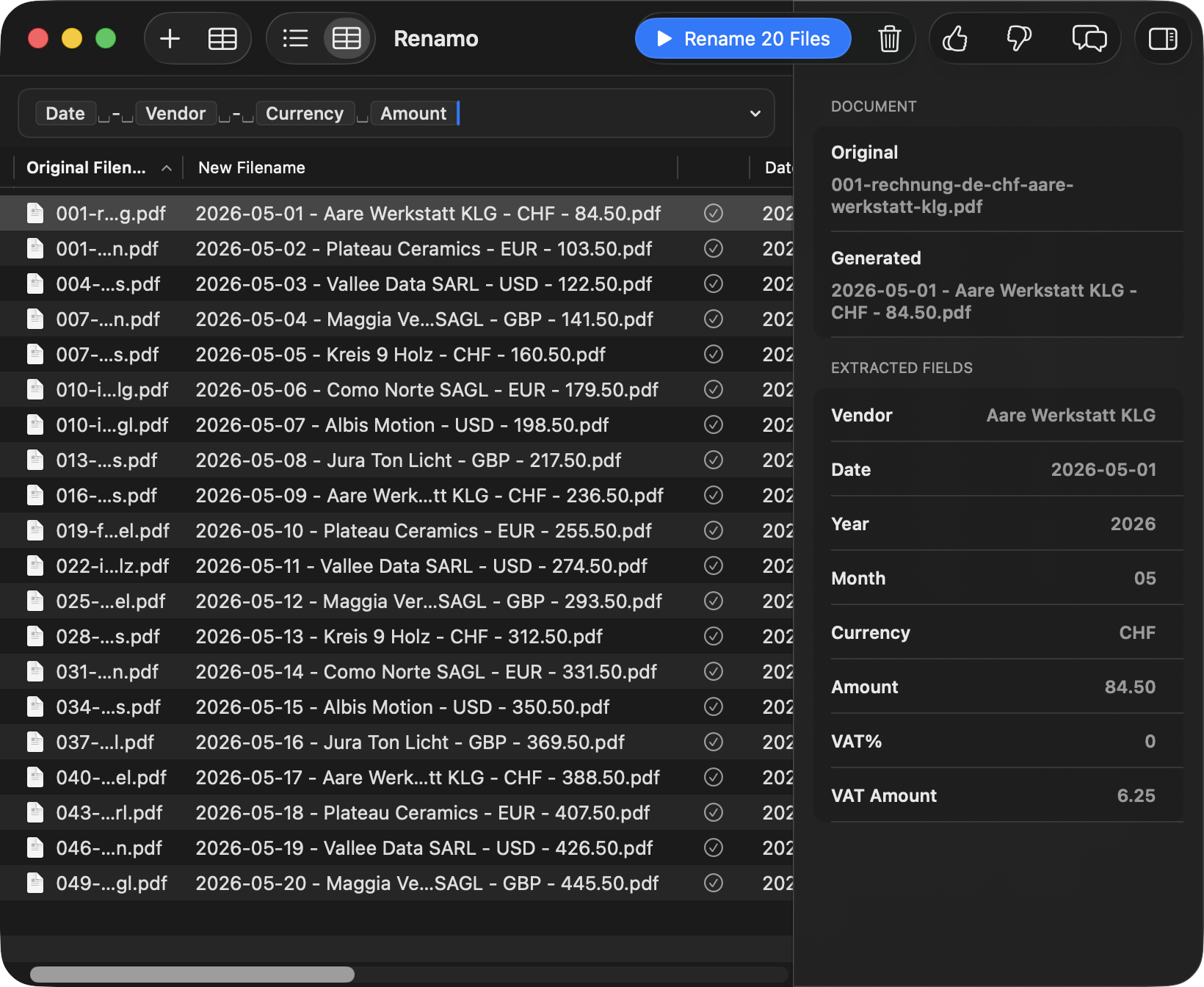
Drop in messy statements, receipts, invoices, or scans. Renamo extracts the useful fields and leaves the final rename decision in front of you.
Extraction fields
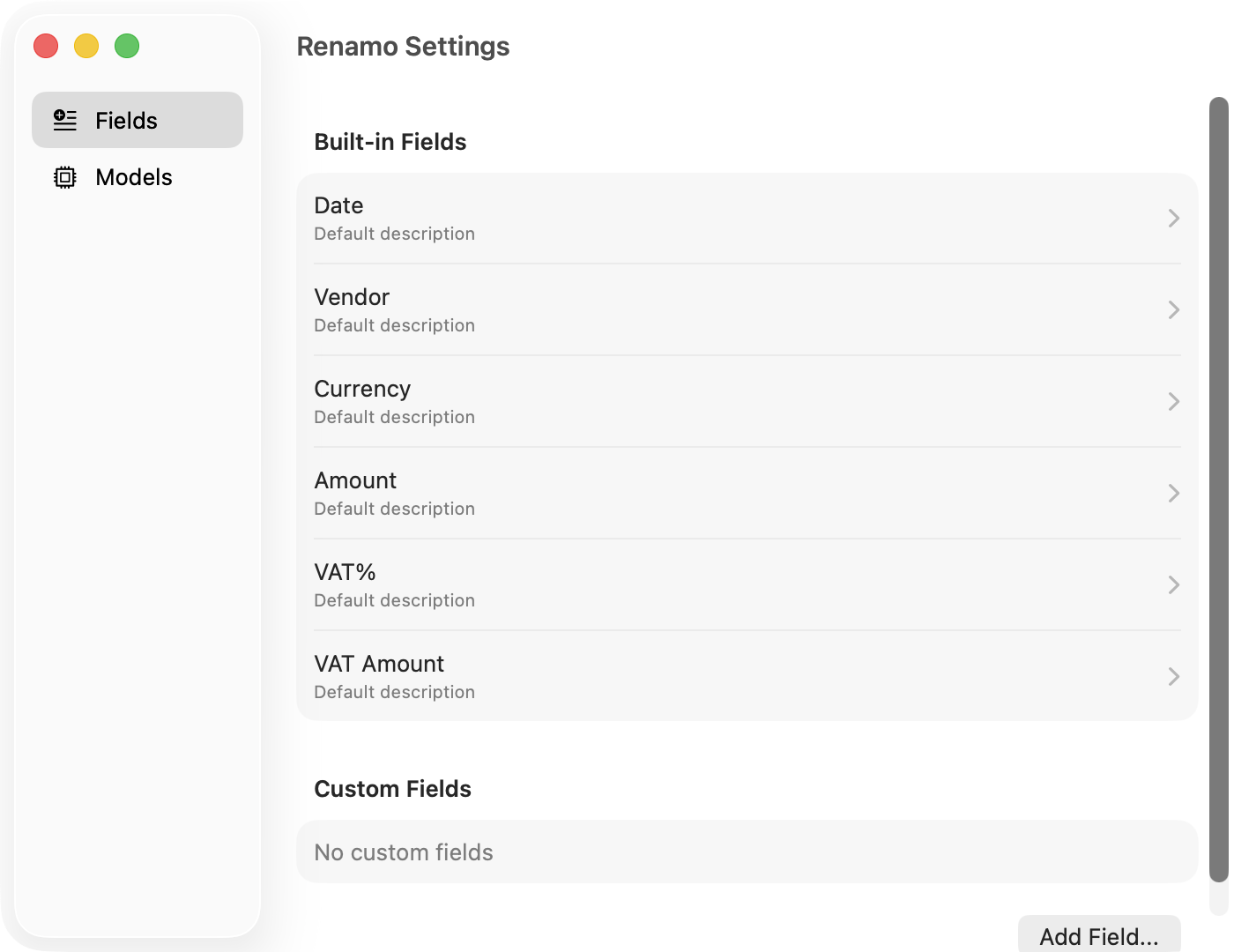
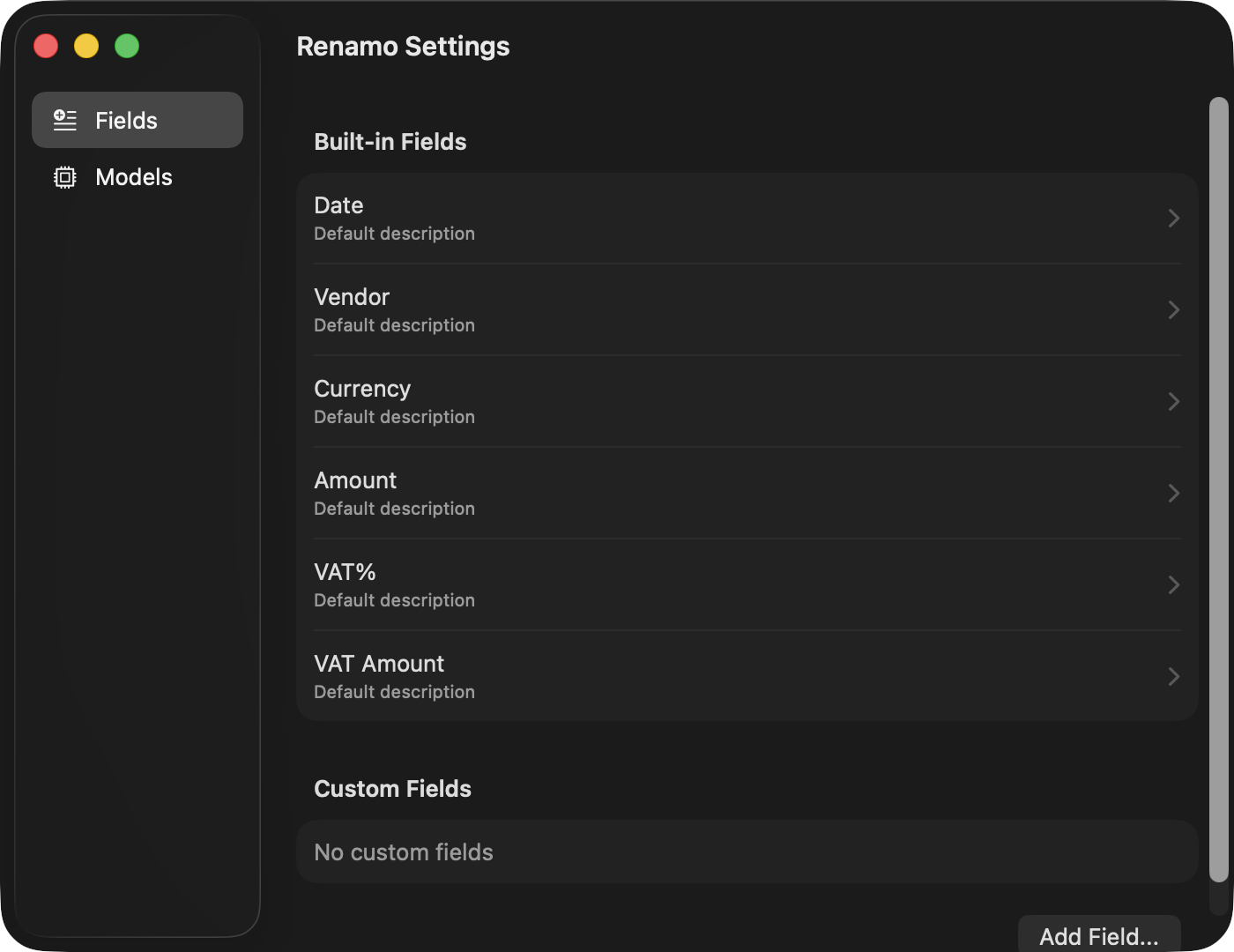
Vendor, invoice number, due date, project, and total.
Store, purchase date, tax, payment card, and category.
Readable names for image captures before they hit your archive.
Private by default
Renamo is built for private document workflows: local files, local review, and no cloud upload step between import and rename.